


InstallLock

WordPress Security Plugin That Goes Beyond Passwords

Stop Unauthorized Plugin Installs and Updates.
Your WordPress website may be at risk.

Hackers who gain access to an administrator account or compromise a service connected to your website may be able to install malicious plugins, disable security tools, or make dangerous changes without your permission. Some attacks don’t even require a normal WordPress login.

InstallLock adds an independent layer of security. Software changes remain locked until you authorize them with a six digit code from your authenticator app. Simply having access to a WordPress administrator account isn’t enough to authorize these changes.

InstallLock Free protects WordPress core and themes. InstallLock Pro extends that protection to your plugins.

Why Plugin Protection Matters

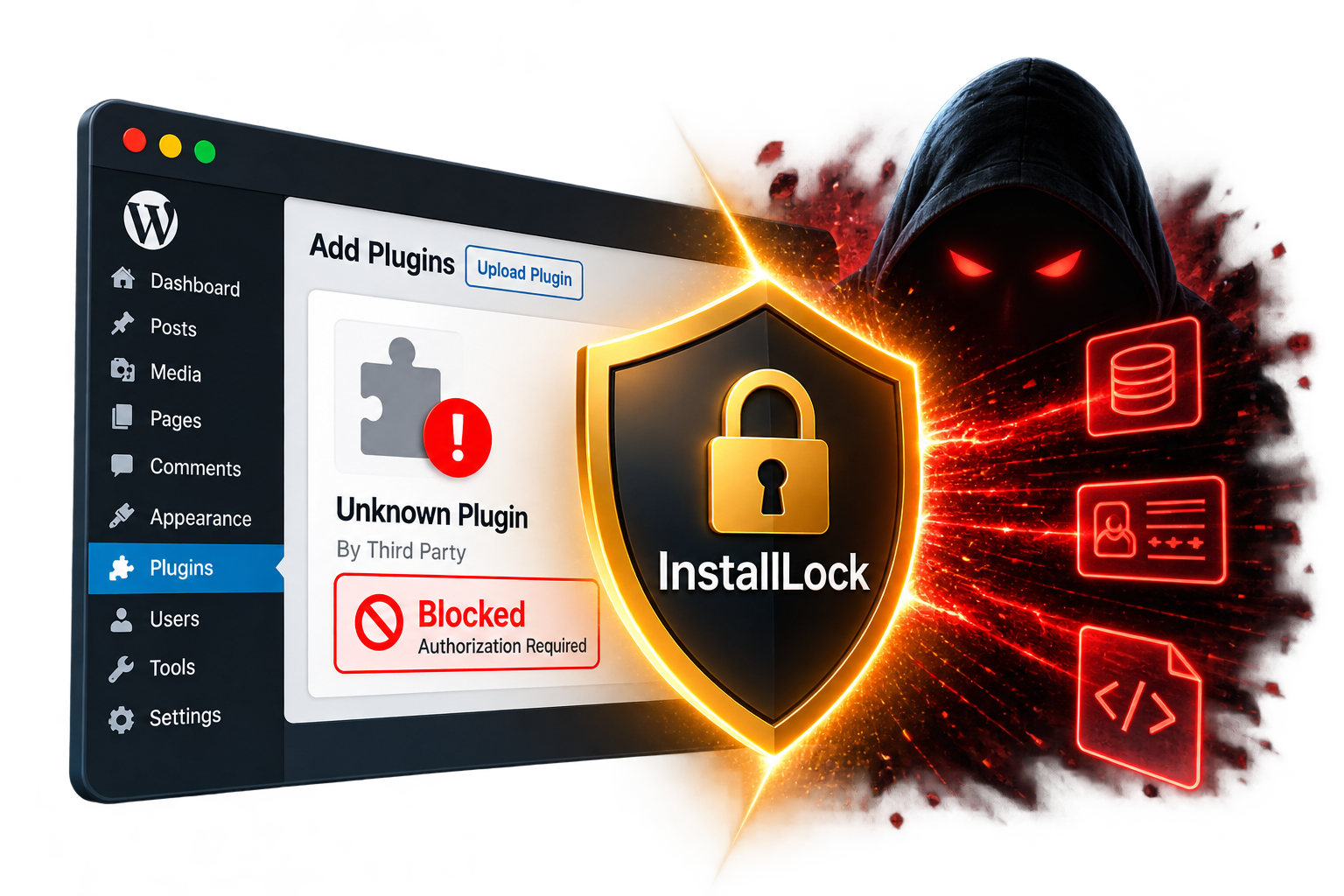
WordPress plugins do more than add features. They can run powerful code on your website. A malicious plugin could steal sensitive information, damage your website, or create a hidden way for attackers to regain access later.

InstallLock Free provides valuable protection for your WordPress core and themes. InstallLock Pro takes that security further by protecting your plugins against unauthorized installations, updates, activations, deactivations, and deletions.

Why is this important? Even if attackers gain access to a WordPress administrator account or compromise a connected service, InstallLock Pro requires separate authorization from your authenticator app before these plugin changes can be made.
Free protects your WordPress foundation. Pro protects your plugins, too

How InstallLock Protects Your WordPress Website

Get Protected in 3 Simple Steps

Simple Controls. Powerful Protection.

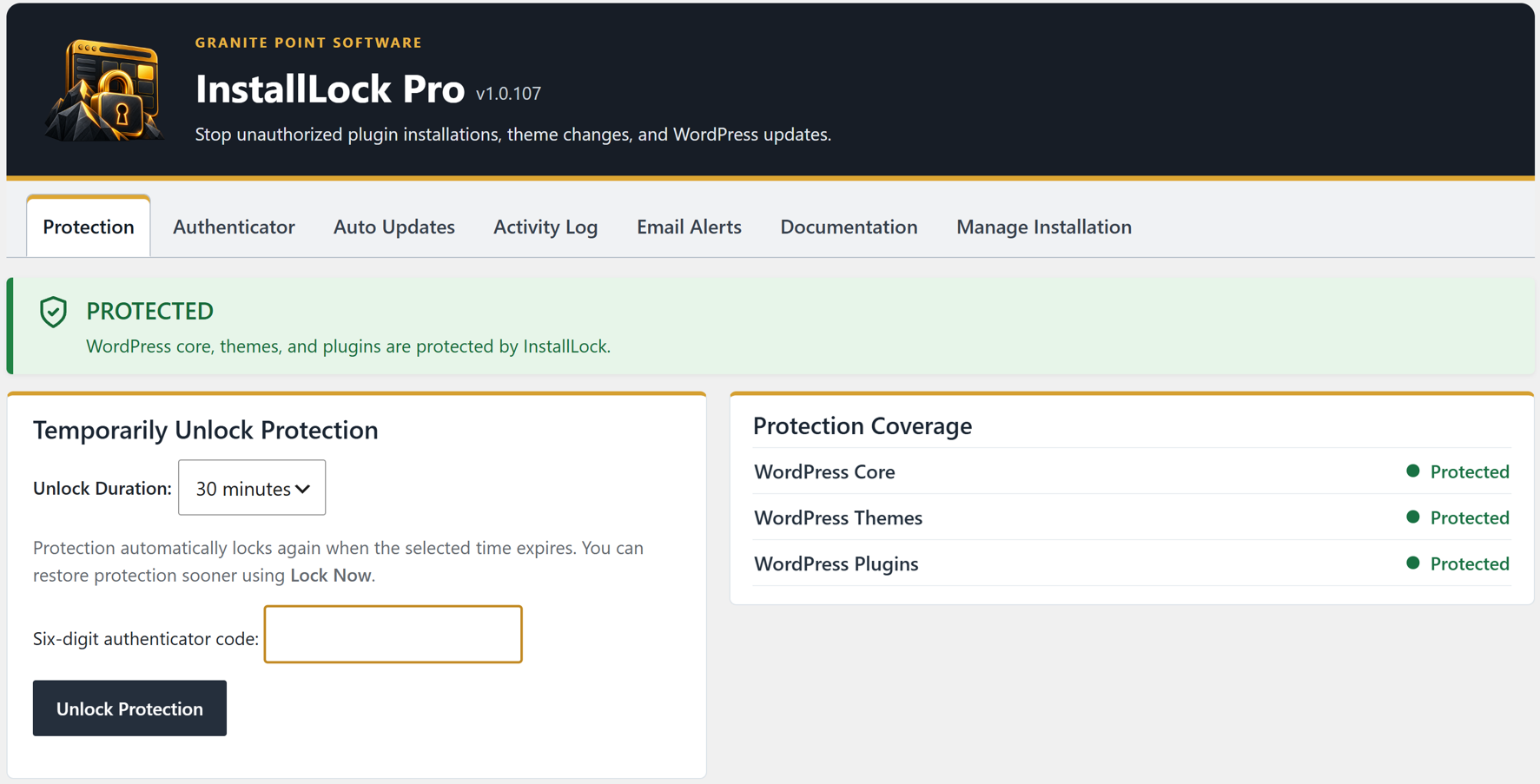
Manage InstallLock directly from your WordPress dashboard. Check your protection status, temporarily unlock when needed, and access your security settings in one convenient location.
Compare InstallLock Free vs. Pro

Start with essential WordPress protection for free, or choose InstallLock Pro to extend that protection to your plugins.

Feature Free Pro
WordPress core protection Included Included
Theme protection Included Included
Plugin installation protection — Included
Plugin activation and deactivation protection — Included
Plugin update and deletion protection — Included
Six digit authenticator security Included Included
Temporary protection unlocking Standard Flexible options
Approved automatic updates Core and themes Core, themes and plugins
Security activity history Basic Extended
Email security notifications Basic Customizable

Free

$0

Protect your WordPress core and themes.

Get Free Version

Get started with free WordPress protection.

Pro

$49.99
/year

Protect your WordPress core, themes, and plugins against unauthorized changes.

Buy Pro — $49.99/year

Single site annual license

Extend your protection to WordPress plugins with InstallLock Pro.

Secure Pro checkout and license delivery through Freemius.

InstallLock Pro requires an active annual license. If the license expires, InstallLock automatically switches to Free protection. WordPress core and theme protection remain active, while Pro plugin protection is disabled until the license is renewed.

7 Day Refund Policy: Refunds may be considered within 7 days of purchase for issues that make the plugin unusable and cannot be resolved through support. See our refund policy for complete terms.

InstallLock provides an additional layer of WordPress security but does not guarantee protection against hacking, malware, or all security breaches.

Compare InstallLock Free vs. Pro

Start with essential WordPress protection for free, or choose InstallLock Pro to extend that protection to your plugins.

WordPress core protection
FREE
Included
PRO
Included

Theme protection
FREE
Included
PRO
Included

Plugin installation protection
FREE
—
PRO
Included

Plugin activation and deactivation protection
FREE
—
PRO
Included

Plugin update and deletion protection
FREE
—
PRO
Included

Six digit authenticator security
FREE
Included
PRO
Included

Temporary protection unlocking
FREE
Standard
PRO
Flexible options

Approved automatic updates
FREE
Core and themes
PRO
Core, themes and plugins

Security activity history
FREE
Basic
PRO
Extended

Email security notifications
FREE
Basic
PRO
Customizable

Free

$0

Protect your WordPress core and themes.

Get Free Version

Get started with free WordPress protection.

Pro

$49.99
/year

Protect your WordPress core, themes, and plugins against unauthorized changes.

Buy Pro — $49.99/year

Single site annual license

Extend your protection to WordPress plugins with InstallLock Pro.

Secure Pro checkout and license delivery through Freemius.

InstallLock Pro requires an active annual license. If the license expires, InstallLock automatically switches to Free protection. WordPress core and theme protection remain active, while Pro plugin protection is disabled until the license is renewed.

7 Day Refund Policy: Refunds may be considered within 7 days of purchase for issues that make the plugin unusable and cannot be resolved through support. See our refund policy for complete terms.

InstallLock provides an additional layer of WordPress security but does not guarantee protection against hacking, malware, or all security breaches.

Frequently Asked Questions

Answers to common questions about InstallLock security, everyday use, and licensing.

Does InstallLock replace Wordfence or another security plugin?

No. InstallLock is designed to complement your existing WordPress security tools, not replace them.

Plugins such as Wordfence provide features like firewall protection, malware scanning, and login security. InstallLock focuses on a different security risk by restricting unauthorized software changes and requiring separate authenticator authorization.

Using InstallLock alongside other security tools adds another important layer of protection for your website.

Can a WordPress administrator bypass InstallLock simply by logging in?

No. When InstallLock protection is active, simply logging in with a WordPress administrator account is not enough to make the software changes InstallLock protects.

Those changes require separate authorization using a six digit code from your authenticator app. This helps protect your website even if someone obtains your administrator login credentials.

Does InstallLock protect against every security threat?

No. No WordPress security plugin can guarantee complete protection against every threat.

InstallLock adds an independent layer of security that protects your WordPress core and themes against unauthorized software changes. InstallLock Pro extends that protection to plugin installations, updates, activations, deactivations, and deletions. These protections help prevent unauthorized changes even if an attacker gains access to a WordPress administrator account or attempts changes remotely through a compromised management service.

Like all other WordPress security plugins, InstallLock cannot guarantee protection if an attacker gains full control of your hosting account or server. With that level of access, an attacker can modify website files directly, bypassing all security protections enforced within WordPress, not just InstallLock. This is a limitation shared by every WordPress security plugin.

That is why secure hosting, firewalls, malware scanning, and regular backups remain important.

Can InstallLock block malicious plugins installed remotely?

Yes. InstallLock Pro is designed to block unauthorized plugin installations through WordPress, including installation attempts initiated remotely through connected management services.

Even if an attacker obtains WordPress administrator credentials or compromises a connected management service, those credentials alone do not authorize plugin installations while InstallLock Pro protection is active.

This provides an important safeguard against malicious plugin installations that might otherwise occur without your knowledge.

Will InstallLock interfere with my website or its visitors?

No. InstallLock is designed to restrict unauthorized software changes without interfering with normal website operations.

Visitors can continue browsing your website, and administrators can continue publishing posts, editing pages, and managing everyday WordPress activities.

InstallLock focuses on securing software changes, not restricting normal website use.

Can I still install plugins, update themes, and update WordPress?

Yes. When you need to make software changes, simply authorize them using your six digit authenticator code. InstallLock temporarily allows those changes and automatically restores protection when the selected time expires.

InstallLock can also allow approved automatic updates while protection remains active. Free supports eligible WordPress core and theme automatic updates, while Pro extends this capability to approved plugin updates.

What happens if I lose my phone or access to my authenticator app?

InstallLock provides recovery codes during authenticator setup. If you lose access to your authenticator app, you can use an unused recovery code to restore access and connect a new authenticator.

Recovery codes should be stored securely in a location separate from your authenticator device. Anyone who obtains a valid recovery code could potentially use it to recover authorization.

What happens if my InstallLock Pro license expires?

InstallLock Pro requires an active annual license. If your license expires, Pro protection stops. You can switch to InstallLock Free to continue protecting WordPress core and themes.